Guides
How to Choose a Baby Tracker App: 9 Things That Actually Matter at 3am
Most baby trackers feel fine on day one and painful by week six. Here is the checklist that separates the two, including the paywalls to watch for.
| 8 min read | By the LittleLog team
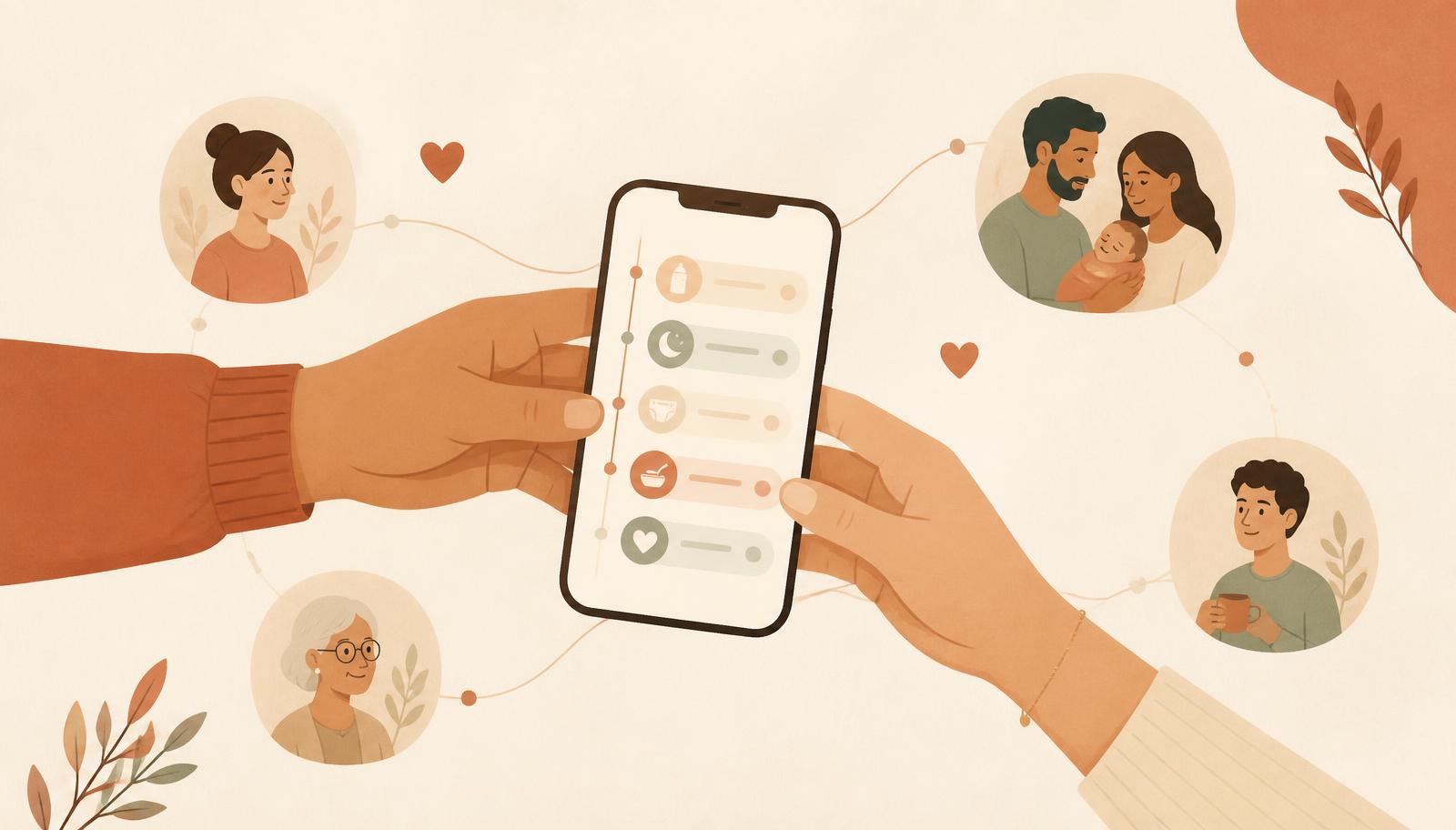
Every baby tracking app looks fine in the store screenshots. The difference shows up at 3am in week six, when you are holding a baby in one arm and trying to log a feed with your thumb, and again at month four, when you discover your history is behind a paywall. Here is the checklist that predicts which app you will still be using in six months.
1. One-handed, one-tap logging
Count the taps for a routine feed. If it is more than two, you will stop logging within a fortnight. Good trackers save presets for your usual entries, so "left side, 15 minutes" or "4 oz bottle" is a single touch, and buttons sit low enough on the screen to reach with a thumb.
2. A running timer you can start and forget
Naps and feeds have a start and an end that are rarely both convenient. A live timer that survives closing the app, and that you can correct afterwards, prevents the "I forgot to start it" gap that ruins a week of data.
3. Free, unlimited history
This is the most common paywall and the most damaging one. Apps that only show the last seven days for free make your own logs useless right when patterns become visible. Before committing, check the pricing page for the words "history" or "past entries". LittleLog keeps unlimited history free.
4. A single, readable day timeline
Separate tabs for feeding, sleep and diapers hide the relationship between them. One chronological timeline is what shows you that short naps follow the small afternoon feed.
5. Free family sharing
A baby usually has more than one caregiver, so a log with one author is only half a record. Shared caregiver access is a paid tier in most competing apps. In LittleLog it is free, invite-only and off by default, so a partner, grandparent or nanny logs into the same timeline without a subscription.
6. Real data export
You should be able to take a full JSON or CSV export of everything, any time, without paying. Export is both an insurance policy against the app disappearing and the difference between a service and a hostage situation. Free export is also the fastest way to test how serious a company is about respecting users.
7. Offline-first and private
Nurseries have bad wifi and hospitals have worse. The app must log without a connection. On privacy, look for local storage by default, no advertising SDKs and an explicit statement that data is not sold. Data protection basics are worth knowing: what GDPR requires and the FTC's children's privacy rules.
8. Stats that answer a question
Charts are easy, answers are hard. The useful outputs are: feeds per day, total sleep, longest night stretch, diapers per day, and how each of those changed week over week. If a screen does not answer a question you actually asked at 3am, it is decoration.
9. Honest, boring pricing
Look for a free tier that is genuinely usable forever and a paid tier that adds analysis rather than unlocking your own data. In LittleLog, free covers logging, unlimited history, the timeline, daily and weekly stats, export, timers, reminders and family sharing. Premium adds pattern predictions, WHO growth percentile charts, printable doctor reports, multiple babies, unlimited presets and caregiver attribution. Growth charts are based on the WHO child growth standards.
A five minute test before you commit
- Log a feed with one hand while standing up. Count the taps.
- Turn off wifi and mobile data, then log a nap.
- Open the pricing screen and find where history and export sit.
- Try to invite a second caregiver and see whether it asks for money.
- Export your data on day one, before you have any to lose.
If an app passes all five, it will probably survive your fourth month. Then put it to work: the feeding schedule guide and the sleep pattern guide both show how to turn two weeks of logs into decisions.
Frequently asked questions
What should a baby tracker app do well?
One-tap logging, a readable day timeline, unlimited free history, working offline, free data export, and family sharing so both parents log into the same record. Everything else is a bonus.
Are baby tracker apps free?
Most are free to start, then paywall history, export, extra caregivers or basic stats. Check specifically whether your past logs stay visible without a subscription before you invest weeks of data.
Can two parents use the same baby tracker?
In many apps shared caregiver access is a paid feature. In LittleLog family sharing is free and invite-only, so a partner, grandparent or nanny logs into the same timeline at no cost.
Is baby tracking data private?
It depends on the app. Look for local-first storage, no ad trackers, no data selling, and a clear export path. LittleLog keeps the log on your device unless you turn on sharing.
Do I need to track my baby forever?
No. Most parents track intensely for the first few months, then taper to sleep or growth only. A good app makes stopping and restarting painless and never holds your history hostage.
Keep reading
Feeding
Newborn Feeding Schedule by Age: A Realistic 0 to 12 Month Guide
How often babies really feed from week one to month twelve, what the numbers look like at each stage, and how to find your own baby's rhythm instead of borrowing someone else's schedule.
Sleep
Baby Sleep Patterns by Age: How to Read Them Before You Try to Fix Them
Total sleep, nap counts and wake windows at every age, why the averages mislead, and how two weeks of your own logs beat any generic sleep chart.